Comparison guide
Minimalist Weekly Planner Apps: A Simple Comparison
Most planner apps grow features until they feel like project managers. Here's how to compare the minimalist ones — and what actually matters when you just want to plan a week.
If you searched for a minimalist weekly planner or a minimalist to-do list, you have probably already tried the big apps. Todoist, TickTick, Notion and friends are powerful, but the power is the problem: projects, labels, filters, priorities and a monthly bill for features you never open.
A minimalist weekly planner does one job — show the next seven days as seven short lists — and then gets out of the way. The apps below all aim at that, but they make very different trade-offs.
What to compare (and what to ignore)
- Weekly view. Can you see the whole week at once, or is it a single endless list with due dates bolted on?
- Entry friction. How many taps from unlocking your phone to a task being saved on the right day?
- Home Screen widget. If you have to open the app to see today, you will stop looking.
- Account required? Some planners will not start until you sign up. Others just open.
- Where your data lives. On your device, or on someone else's server by default?
- Pricing model. A subscription makes sense for a tool your team lives in. For a personal weekly list, a one-time price usually costs less over a couple of years.
What to ignore: feature counts. Integrations, AI assistants, karma points and nested sub-projects are exactly the things that turned your last planner into a chore.
The main options
Tally To Do
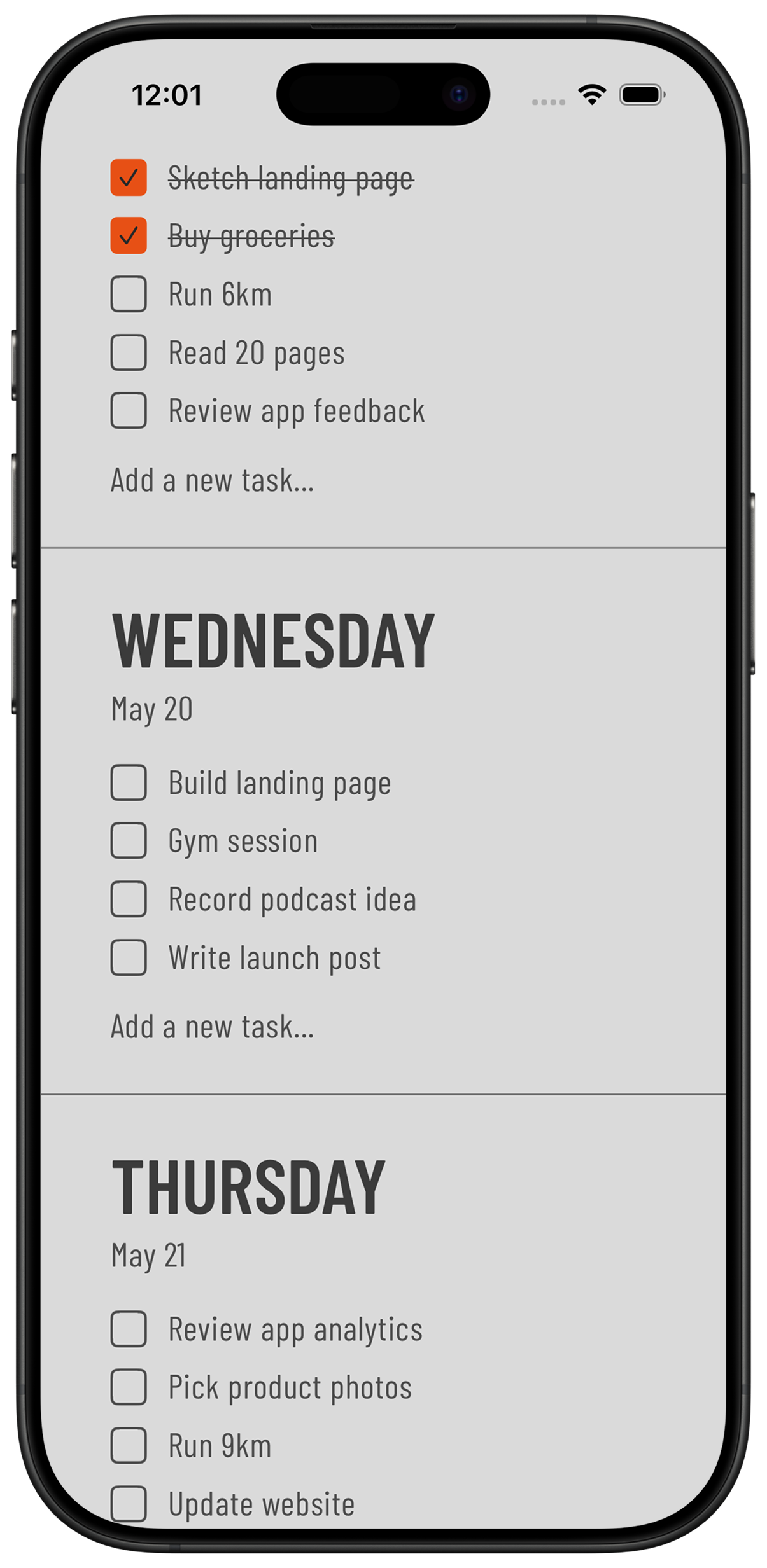
An iPhone app built around a single idea: the week as seven day lists. No projects, no calendar grid, no account. Tasks are stored on your device, Home Screen widgets show today without opening the app, and Tally To Do is a one-time purchase after a free trial rather than a subscription. The trade-off is deliberate: no web app, no team sharing, no integrations.
Tweek
A well-known minimalist weekly planner that looks like a paper week-to-view spread and runs in the browser as well as on mobile. That makes it a good fit if you plan at a desk and want sharing or sync across devices. In exchange you create an account, your tasks live in the cloud, and the fuller feature set sits behind a recurring plan.
Apple Reminders
Free, already installed, syncs through iCloud and has widgets. It is list-first rather than week-first, so building a weekly view means creating smart lists or scheduling everything by date — workable, but you are assembling the planner yourself.
Structured and other day planners
Timeline-style day planners are excellent if you think in hours and want your day laid out as a schedule. They are a poor fit if you want a loose weekly checklist that does not demand a time for every task.
A paper week-to-view planner
Still the most distraction-free option, and worth considering seriously. It loses on the two things a phone is good at: it is not with you every second, and it cannot roll an unfinished task forward with one tap.
Where Tally To Do is different
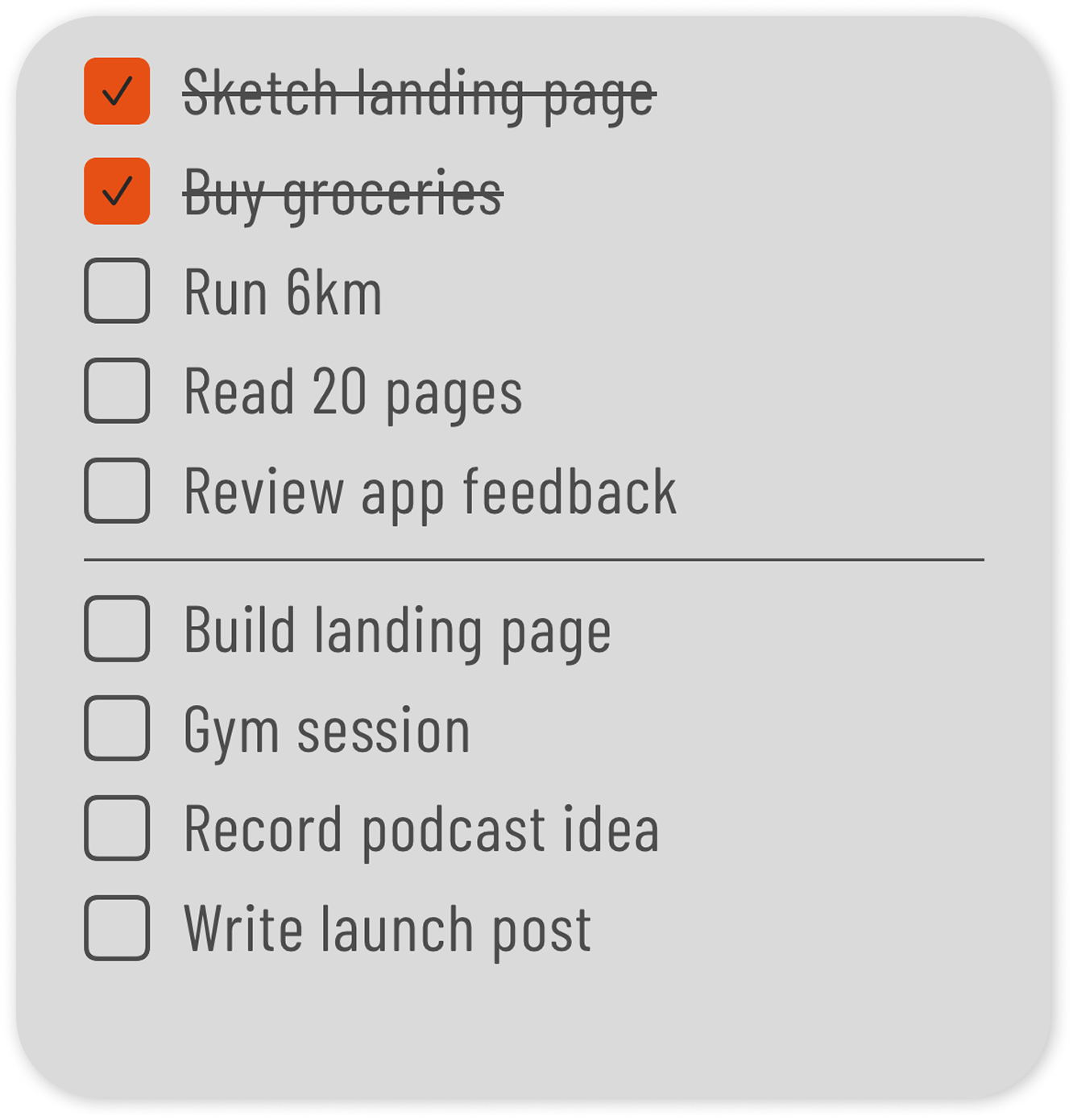
- No account. Download, open, start planning. Nothing to sign up for and no password to reset.
- Local-first by design. Your tasks stay on your device. There is no analytics dashboard watching what you write down.
- One-time purchase. 7 days free, then €4.99 once. No renewal, no plan tiers, no feature gates.
- Weekly by default. The week is the app, not a view you have to configure.
The honest flip side: if you need a browser version, shared lists with a partner or colleague, or sync across an iPhone and an Android tablet, a cloud planner like Tweek fits you better. Tally To Do is for one person, one phone, one week at a time.
How to choose in two minutes
- Decide where you plan. Phone only, or phone plus laptop? That single answer rules out half the list.
- Decide whether anyone else needs to see it. If yes, you need an account and cloud sync. If no, you can skip both.
- Check the week, not the features. Open the app and see whether seven days fit on one screen without configuring anything.
- Do the two-year maths. Multiply the monthly price by 24 and compare it to a one-time price before you commit.
- Use it for one week. A minimalist planner either survives a real week or it does not. You will know by Friday.
Frequently asked
What is a minimalist weekly planner app?
An app that shows the coming week as a small set of daily lists and leaves out projects, labels, dashboards and other project-management features. The goal is fewer decisions, not more capability.
Is there a good weekly planner without a subscription?
Yes. Tally To Do is a one-time purchase after a free trial, and Apple Reminders is free. Most cloud-based planners charge monthly because they run sync servers.
What is a good Tweek alternative on iPhone?
If you liked Tweek's week-to-view layout but do not want an account or a recurring plan, Tally To Do covers the same weekly structure as a local-first iPhone app with Home Screen widgets.
Do I lose anything by choosing a minimalist planner?
You lose integrations, collaboration and automation. For a personal week that is usually the point — those features are the reason bigger apps become work to maintain.
Try the minimalist option
A clean day-by-day list on iPhone, with Home Screen widgets. 7 days free, then €4.99 once.
Download on the App Store
Related guides
- Weekly Planner App: How to Plan Your Week in 5 Minutes — the five-minute Sunday routine to run whichever app you pick.
- Phone Planner: How to Use Your Phone to Plan Your Week — set up your Home Screen so the planner is one glance away.
- ADHD Weekly Planner: A Simple Way to Plan Your Week — why fewer choices help if you plan with ADHD.
- The Ivy Lee Method: A Simple Daily Productivity System — a method that fits any minimalist planner.
- Guides